
Animated talking characters
Make it talk
Pick a character, give it a voice and a script, and get a talking video with a transparent, green or custom background. Try it right here, no account needed.
+250 people have already used the platform

Our servers are busy right now. Hang tight, your video is on its way.
Powered by
- OpenAI
- Anthropic
- ElevenLabs
- fal.ai
- Fish Audio
- Seedance Seedance
- Groq
- AssemblyAI
30+ actors. Or make your own.
- 30+characters
- 12poses
- 4emotions
- 6mouth shapes
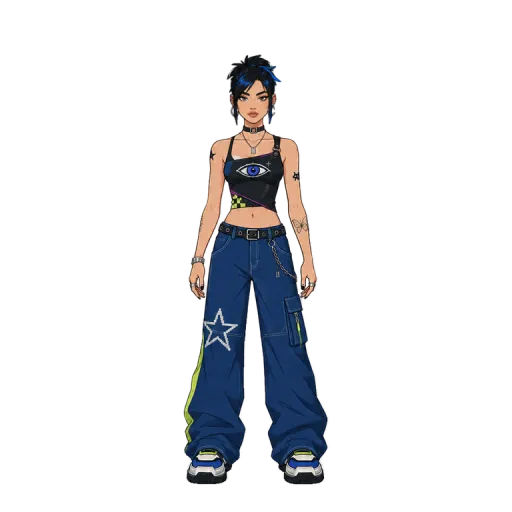
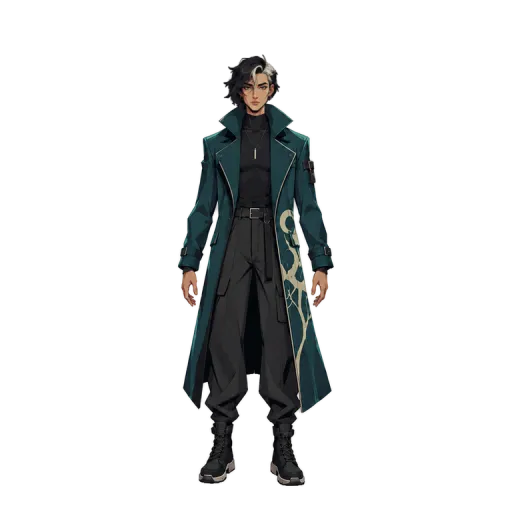
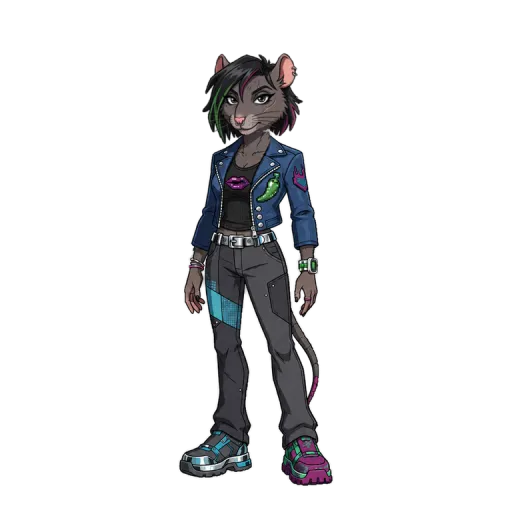
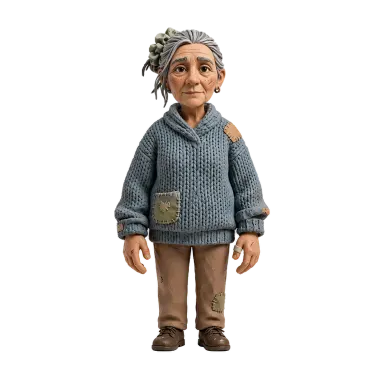
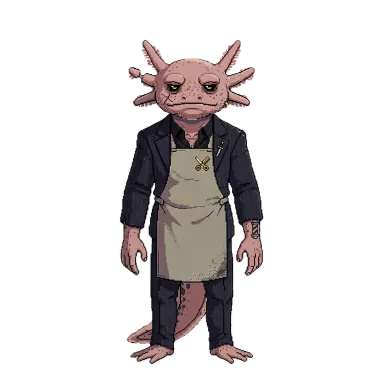
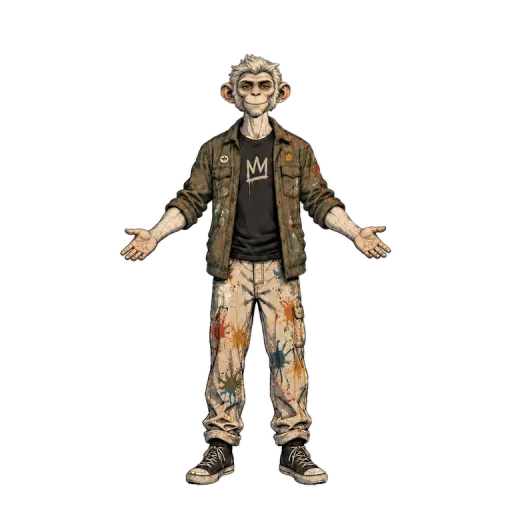
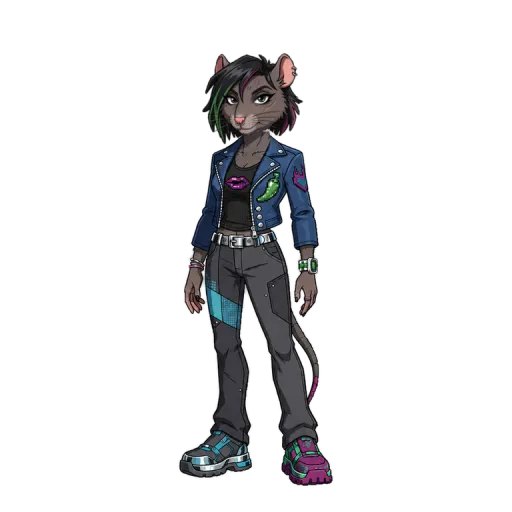
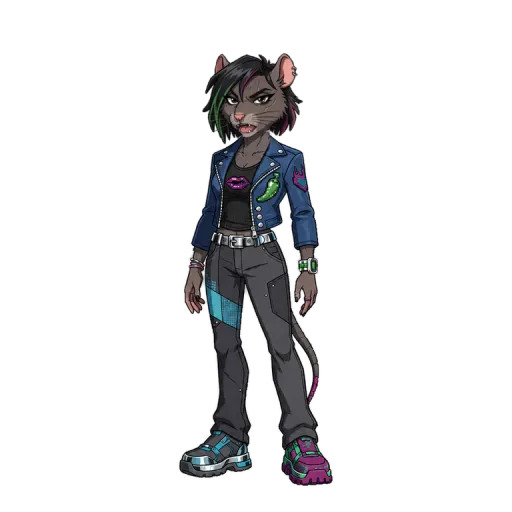
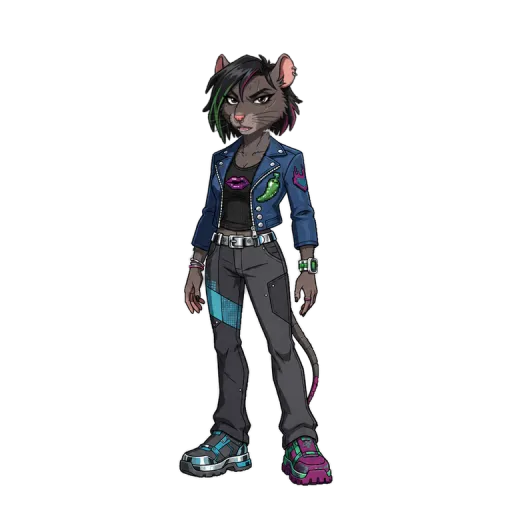
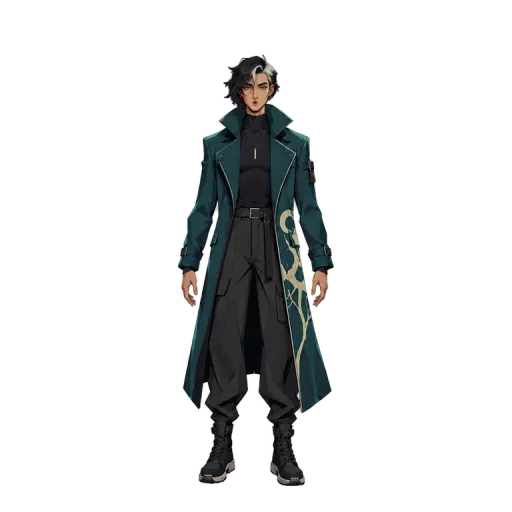
Claymation, pixel art, comic ink, Y2K, 3D toon and more. Ready to use, each with emotions, poses and mouth shapes. Hover to meet them.
Three ways to get your actor
-
Describe it with AI
Write who it is, pick a style and add a reference if you have one. Choose which poses and emotions it gets, or describe a new pose. Add more poses later.
-
Start from a photo
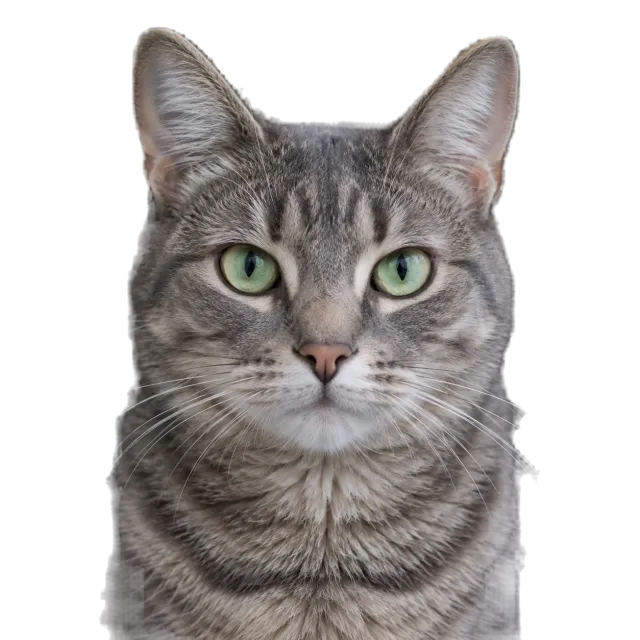
A person, a pet or any object. Remove the background, mark the mouth and it talks, cutout style.
-
Pick from the cast
Start right away with a ready-made character and change it later.

Automatic video
From a topic to a finished video
Write what your video is about. MonkeyTalker researches the topic, writes the script, suggests a character and a voice, directs it word by word and builds the video with a template. You review and change anything you want.
- 01Your topic
- 02Research
- 03Script
- 04Character and voice
- 05Direction and template
- 06Ready to edit

Tap a word. Choose the acting.
Every word of the script can carry a pose or an emotion, exactly like in the platform. Tap a word and try it. If you leave it alone, the character is directed automatically.
Your script
~6s estimated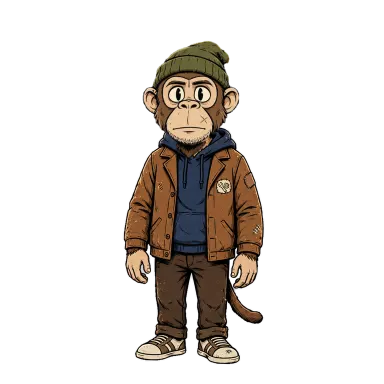 Milo · voice Aarav
Tap a word to choose its pose or emotion.

50+ AI voices, or your own audio
Scripts in several languages
12 poses per character, or describe a new one
The editor
Then finish it in the editor
Your character lands on a timeline with layers. Add text, captions, images, video, GIFs, stickers, music and templates, and export when it is ready.
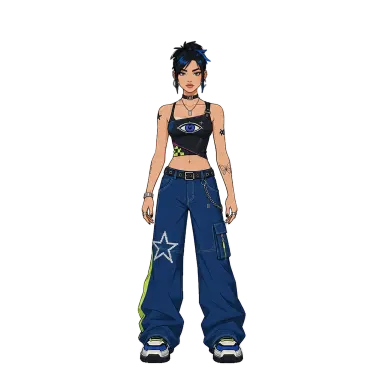
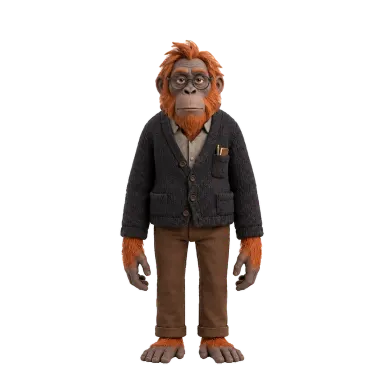
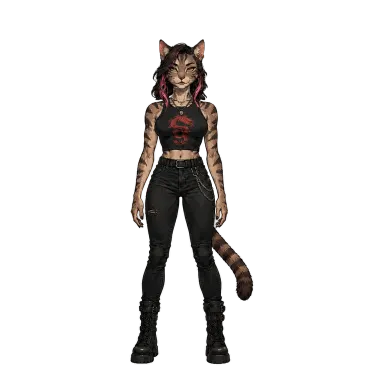

- Layered timelineMove, trim and stack every element.
- Captions with styleGenerated from the audio, styled your way.
- Stock mediaPexels, Pixabay and GIPHY inside the editor.
- TemplatesStart from a layout and swap the media.
- More than one characterPut two characters in the same video.
- AutosaveYour project saves as you work.
Take it to your editor
Export with a transparent background, green screen or any color. Drop your character into CapCut, Premiere or After Effects and keep your workflow.
MP4 · WebM with alpha · Green screen
- CapCut
- Premiere Pro
- After Effects
- DaVinci Resolve
- OBS
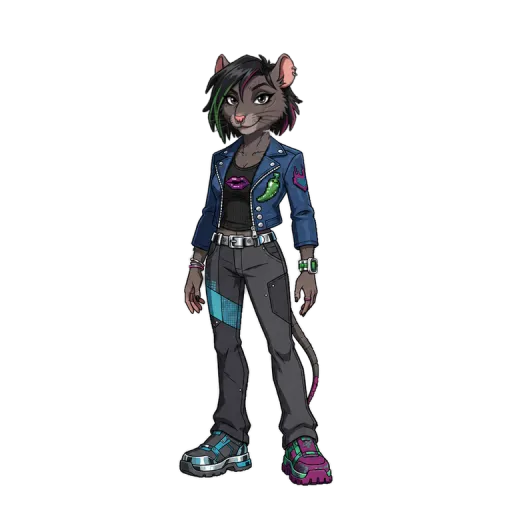
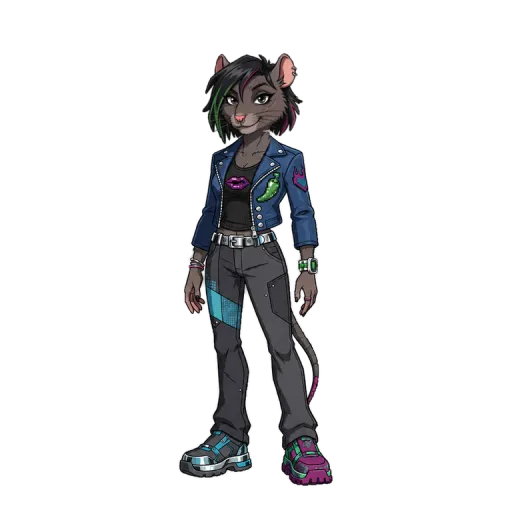
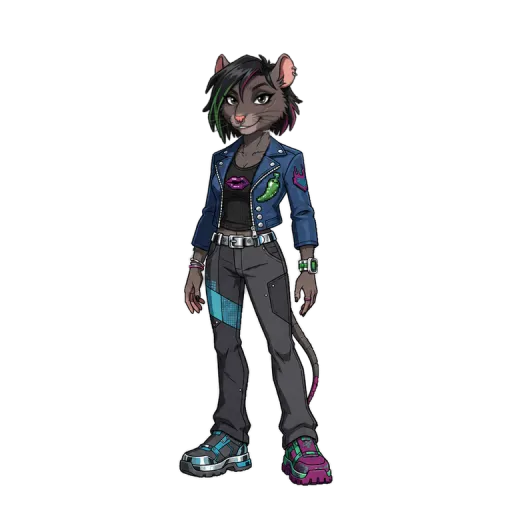
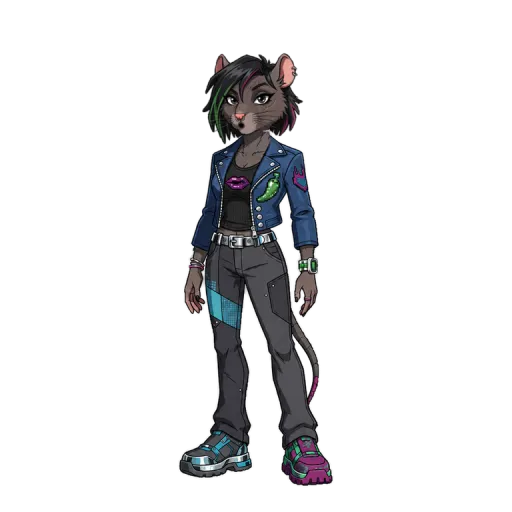
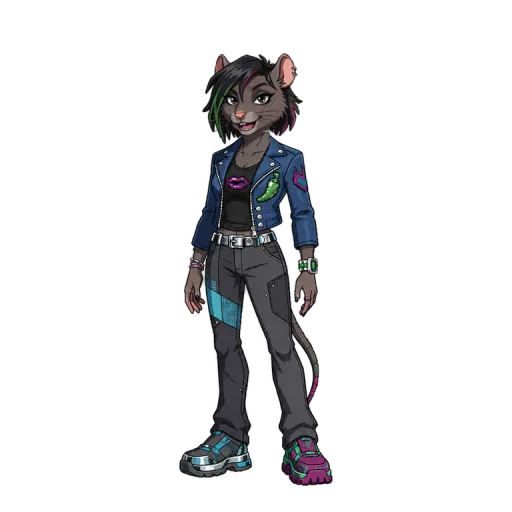
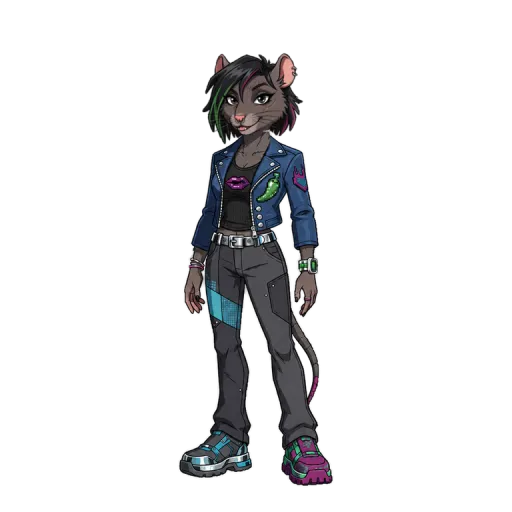
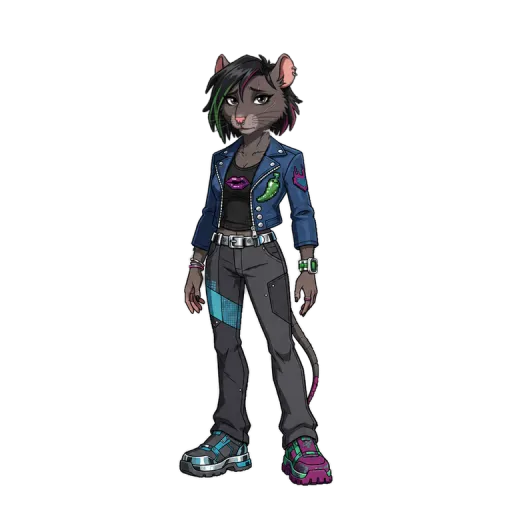
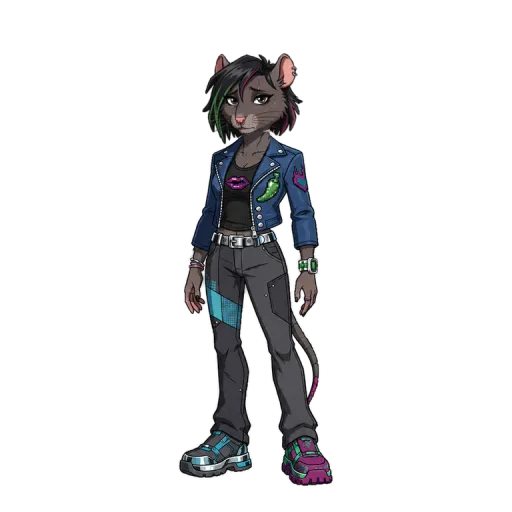
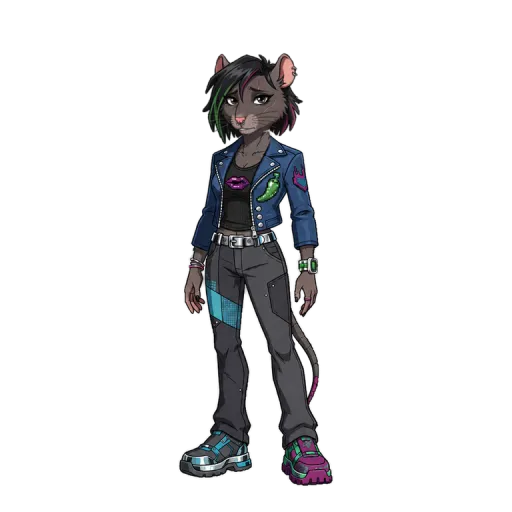
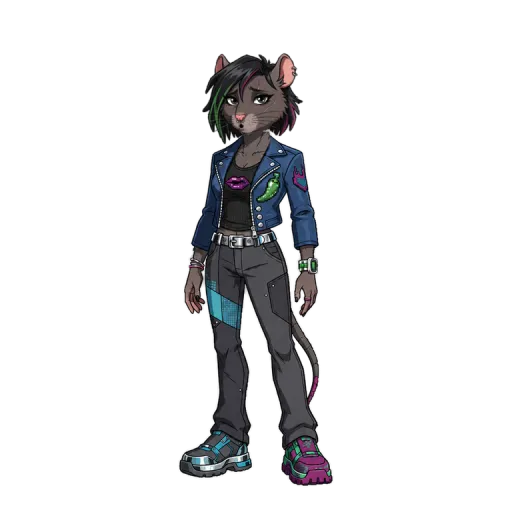
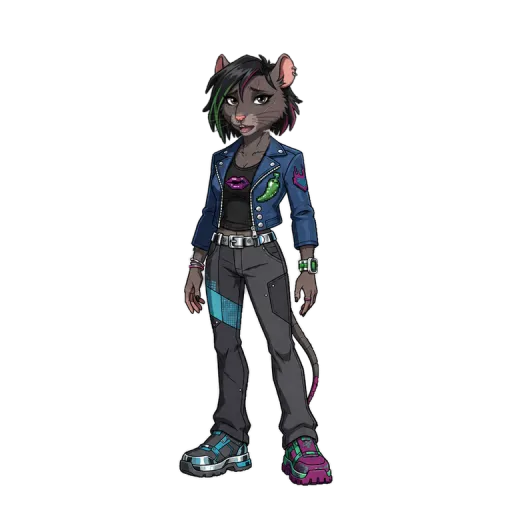
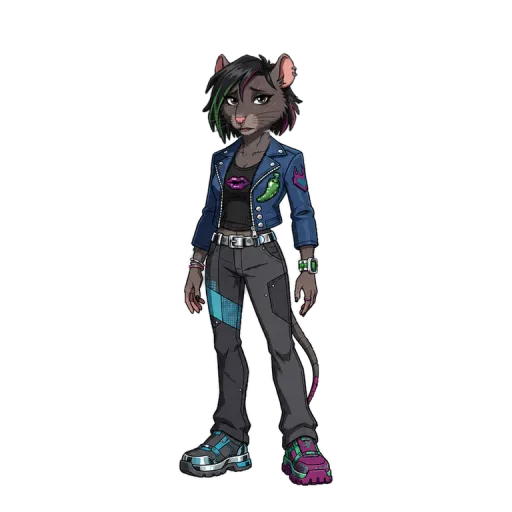
Download every sprite
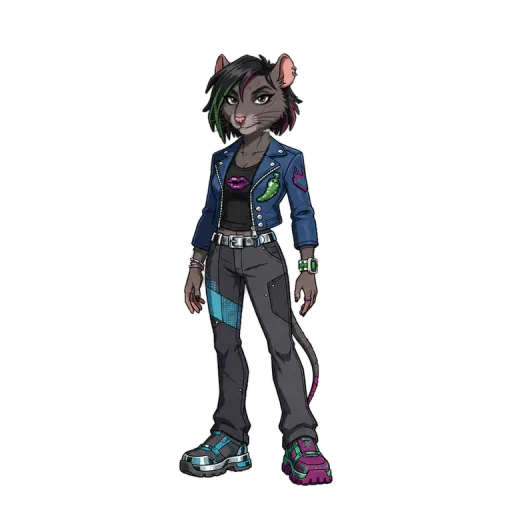
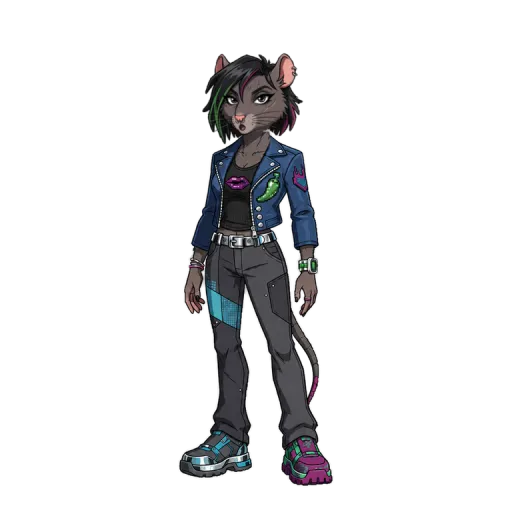
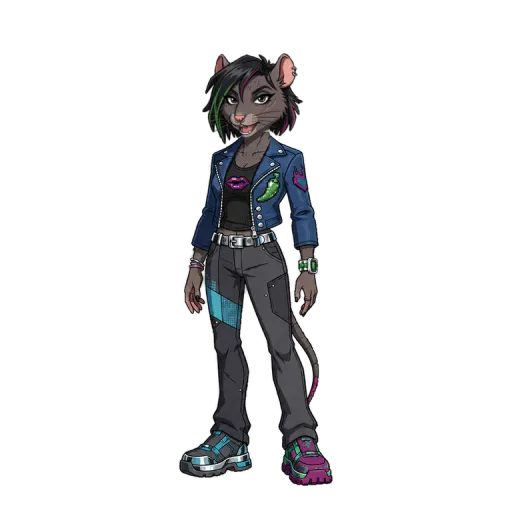
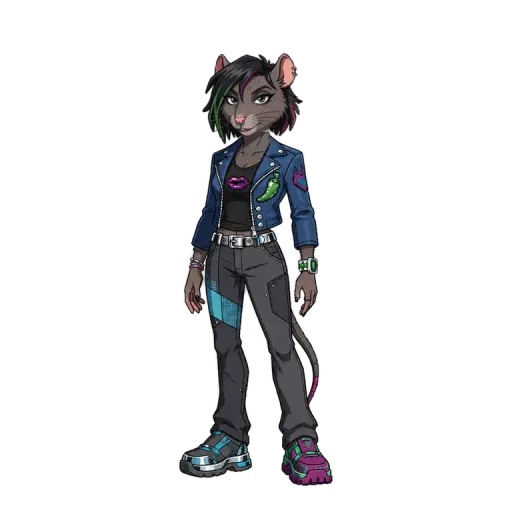
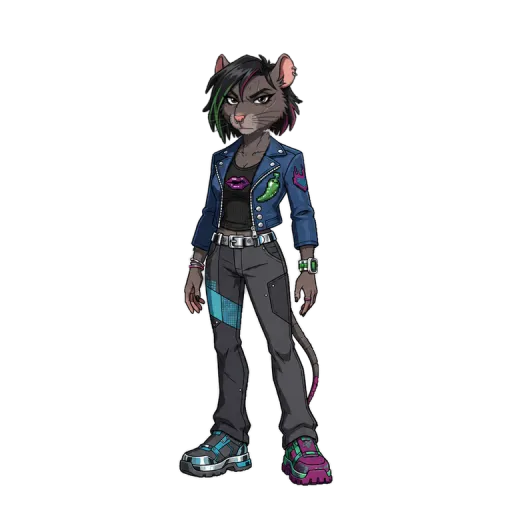
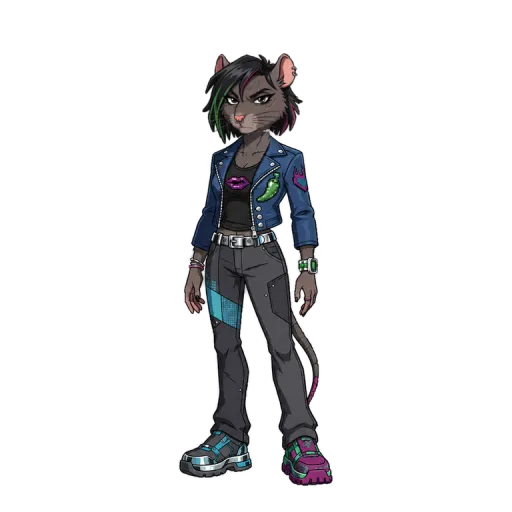
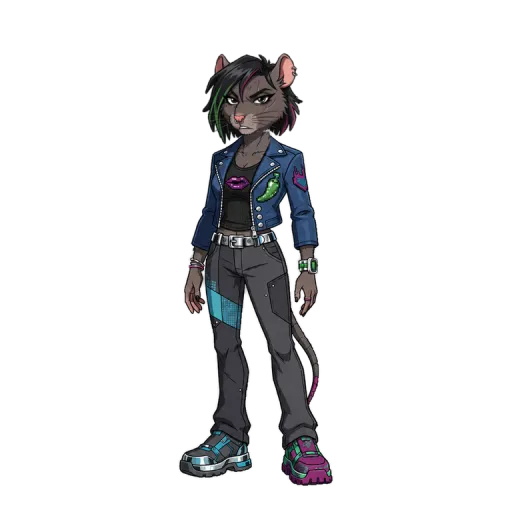
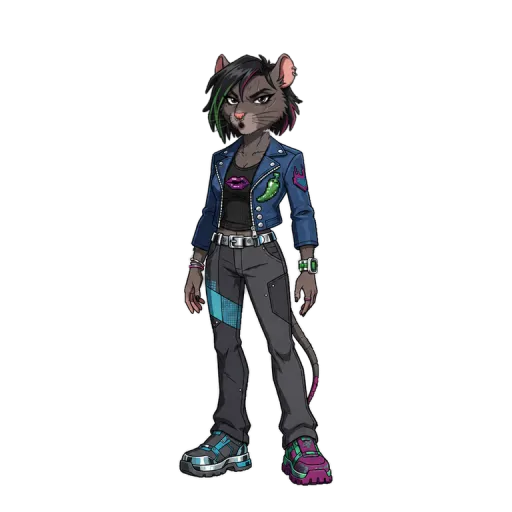
Download all the sprites of your character: emotions, poses and mouth shapes as transparent PNGs. Ready for PNGtuber and VTuber apps that ask for them.
ruby-sprites.zip · PNG
Quizzes, chats and gameplay too
The same character can star in full formats made for short video.
-
Gameplay stories
Narration over gameplay, ready for Shorts.
-
Quiz videos
Questions, timers and answers, narrated.
-
Chat stories
Text message stories that play themselves.
-
Motion videos
Animated explainers, even from a PDF.


Use cases
One character for every use
One character can carry a channel, a brand, a class or a stream.
- Automatic video
Faceless channels
A recurring host for YouTube, TikTok and Reels. Post every week without stepping in front of a camera.
- Transparent export
Video editors
Download the talking character with a transparent background and drop it into Premiere, CapCut or After Effects.
- Sprites
VTubers and PNGtubers
Download every pose, emotion and mouth shape as transparent PNGs, ready for the apps that ask for sprites.
- Your character
Brands and mascots
Give your brand a face that speaks: announcements, product explainers and ads with the same character.
- From a PDF
Teachers and explainers
Turn a topic or a PDF into a short animated lesson with a character who explains it.
- Editor
Agencies and freelancers
One character per client, consistent in every video, with an editor to deliver fast.
Start with a character. Grow into a series.
Choose a plan for more videos and included character builds, or just buy credits when you need them.
- Paused for now
Free
Temporarily disabled
$0Meanwhile, animate a character right here, no account needed.
Try the demo -
Starter
Make your first recurring character
$9 /monthBilled monthly; cancel anytime
Billed upfront; credits arrive monthly
900 AI Credits each month1 AI character build included once
- About 15 standard video minutes / month
- Add characters for 500 credits each
- Use your own audio or generate a voice
- Automatic lip-sync and editor
- Recommended
Creator
Build a recognizable content series
$24 /monthBilled monthly; cancel anytime
Billed upfront; credits arrive monthly
3,300 AI Credits each month2 AI character builds included once
- About 55 standard video minutes / month
- More room for recurring formats
- Add characters for 500 credits each
- Everything in Starter
-
Studio
For several channels or clients
$59 /monthBilled monthly; cancel anytime
Billed upfront; credits arrive monthly
8,100 AI Credits each month5 AI character builds included once
- About 135 standard video minutes / month
- Five included character builds
- Add characters for 500 credits each
- Everything in Creator
Create your account first, then select and pay for a plan in the app.
No subscription? No problem.
Top up when you want. Purchased credits do not expire.
- flex1,000 credits$10
- maker2,700 credits$25
- growth5,750 credits$50
A standard talking video uses about 60 credits per minute (minimum 15 per generation). A new AI character costs 500 credits after your included builds. Your balance and exact video cost appear before you confirm in the app.
USD. Annual prices are yearly totals, not monthly charges. Included character builds are one-time per highest plan tier, not monthly.
Your questions, answered honestly.
The details on characters, credits and making your first talking video.
Read all questions What does MonkeyTalker make?
MonkeyTalker makes animated characters talk. Pick one of the 30+ characters in the cast, create your own with AI or turn a photo into a cutout puppet, then give it a voice and a script and direct its emotions and poses. Finish the video in the editor and export it for Shorts, Reels or TikTok, or download the character to use in another editor.
Can I try it for free?
Yes, in the demo on the homepage. Pick a character, write a script, choose a voice and a background, and download the video with a watermark. No account needed. The free plan is paused for now; to create your own character and export without a watermark, choose a plan.
Which characters can I use?
The cast has more than 30 ready-made characters in styles such as claymation, pixel art, comic ink, Y2K and 3D toon. Each one has 4 emotions, 12 poses and 6 mouth shapes. You can also create your own character with AI or from a photo of a person, a pet or an object.
Can I edit the video after generating it?
Yes. The editor has a timeline with layers for characters, text, captions, images, video, GIFs, stickers, sounds and templates, plus stock media from Pexels, Pixabay and GIPHY. Your work saves automatically and you export when it is ready.
How many credits does a video use?
A standard talking video is roughly 60 credits per minute, with a 15-credit minimum per generation. The actual quote depends on the script length and pauses. MonkeyTalker shows your exact credit cost and balance before you confirm the generation.
Can I use the character in another editor?
Yes. Download the character video with a transparent background, or with a green or solid background, and use it in CapCut, Premiere, After Effects or DaVinci Resolve. You can also download all the sprites of your character as transparent PNGs.
Animate your first character
Try it free in the demo or create your own character in the platform.